
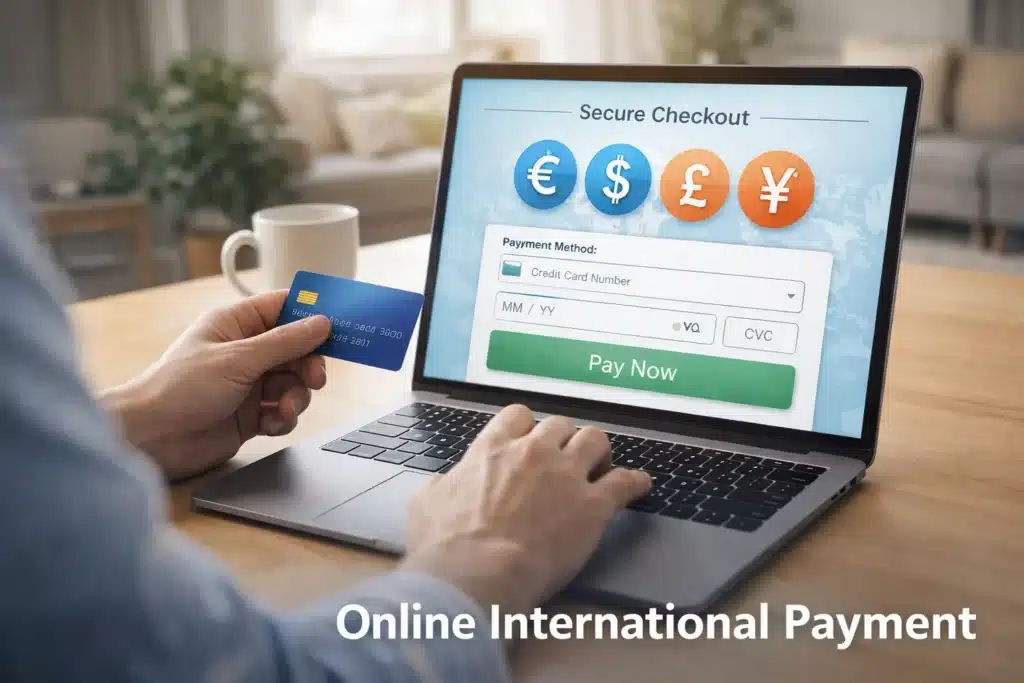
International transaction declined errors can be frustrating—especially when you’re trying to book a flight, pay for an online service, or shop from a foreign website. In most cases, the problem isn’t serious, and it doesn’t mean your card or account is broken. It usually happens because of security restrictions, bank settings, or simple configuration issues that can be fixed in minutes.
This guide explains what an international transaction decline really means, the most common causes, and how to enable international transactions safely and correctly. You’ll also learn prevention tips, real-life examples, common mistakes, and when it’s time to contact your bank for support.
Many users face card issues like payment failures and sudden declines, especially during online payments or travel. If you’re already experiencing card problems, you may also find this guide helpful:
Debit Card Declined Suddenly – Is It Fraud or a Bank Issue?
What Does “International Transaction Declined” Mean?
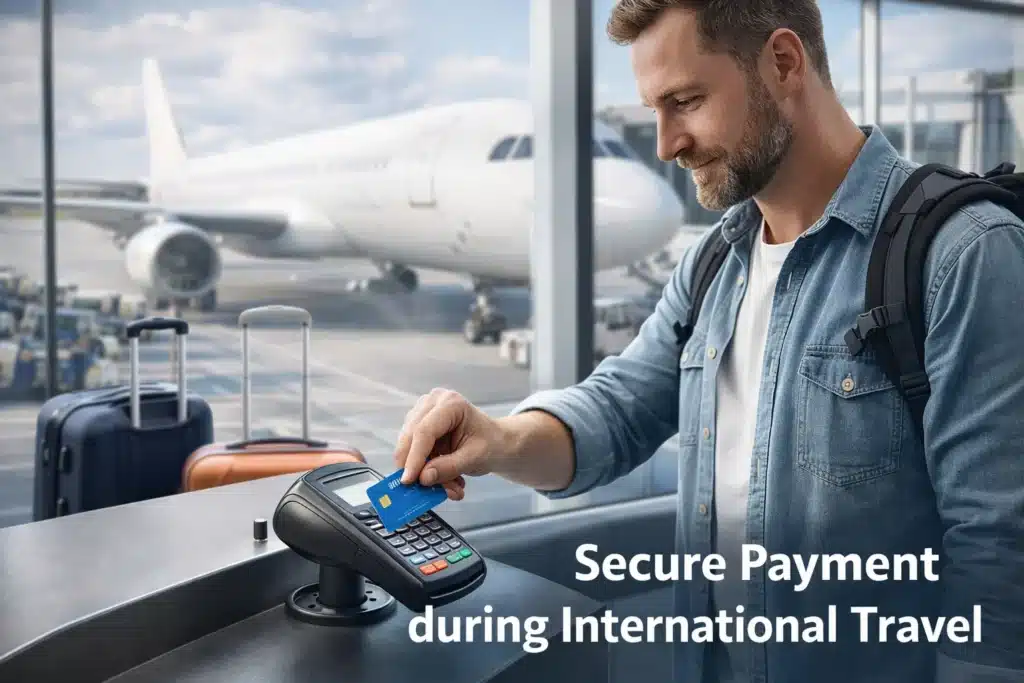
An international transaction declined message appears when your card or bank account refuses a payment that’s processed outside your home country. This can happen with:
- Debit cards
- Credit cards
- Prepaid cards
- Online payments
- International e-commerce websites
- Foreign subscription services
- Travel bookings
Banks use automated security systems to protect users from fraud. If a transaction looks unusual—such as a payment request from another country—it may be blocked automatically.
This is not always fraud-related. Many cards are disabled for international use by default, especially in certain regions and banking systems.
Some declines are linked to fraud-prevention systems. If you want deeper understanding of how banks detect suspicious activity, you can read our guide on bank security blocks and fraud alerts
Why Banks Block International Transactions
Banks and card networks focus on risk prevention. International payments are statistically more likely to be linked to fraud attempts, so extra security layers are applied.
Security teams usually look at:
- Location mismatch
- Spending patterns
- Device/IP location
- Merchant country
- Transaction frequency
- Risk scoring models
If anything looks abnormal, the payment gets declined automatically.
Banks follow international security standards set by global payment networks like Visa and Mastercard to protect users from fraud and unauthorized payments.
Common Causes of International Transaction Declined
1. International Usage Is Disabled on Your Card
Many banks keep international transactions turned off by default to protect users from fraud.
This is the most common reason.
2. Bank Security System Flagged the Transaction
Your bank may see the payment as suspicious due to:
- New foreign merchant
- Unusual country
- First-time international payment
- Sudden large amount
- Repeated attempts
3. Insufficient Balance or Credit Limit
Even if your account shows money, international payments may require:
- Extra buffer for exchange rates
- Cross-border fees
- Foreign transaction charges
Sometimes the actual required amount is higher than expected.
4. Incorrect Card Details
A small mistake in:
- CVV
- Expiry date
- Card number
- Billing address
can trigger a decline, especially on international gateways.
5. Card Network Restrictions
Some cards are:
- Domestic-use only
- Limited to local networks
- Not enabled for global payment gateways
This is common with basic debit cards and prepaid cards.
6. Merchant Restrictions
Some international websites:
- Don’t accept foreign cards
- Block certain countries
- Limit payment regions
- Restrict prepaid or virtual cards
7. Currency Conversion Issues
If the merchant’s currency isn’t supported by your bank, the transaction may fail automatically.
How to Enable International Transactions (Step-by-Step)
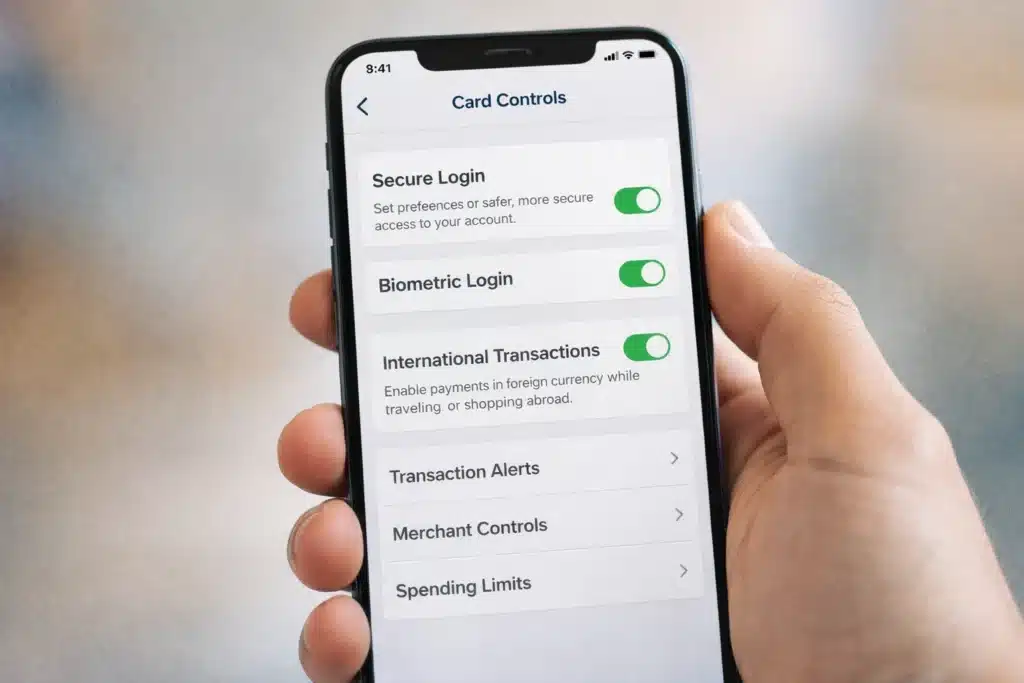
Step 1: Check Your Bank App or Internet Banking
Most banks allow you to enable international usage in settings:
Look for options like:
- “Card Controls”
- “International Usage”
- “Foreign Transactions”
- “Overseas Payments”
- “Global Transactions”
Enable:
- International POS payments
- International online payments
- International ATM withdrawals (if needed)
Step 2: Contact Customer Support
If there’s no option in the app:
- Call bank helpline
- Use live chat
- Visit branch support
Ask them clearly:
“Please enable international transactions on my card/account.”
Step 3: Verify Your Identity
Banks may request:
- OTP verification
- Security questions
- App confirmation
- SMS approval
This is normal security procedure.
Step 4: Retry the Transaction
After activation:
- Wait 5–15 minutes
- Try again
- Use the same merchant/payment gateway
How Long Does Activation Take?
Usually:
- App-based activation → Instant
- Support activation → 5 minutes to 24 hours
- New card setup → Up to 48 hours
Real-Life Examples
Example 1:
A user in Pakistan tries to buy a hosting plan from a US website. Payment fails because international transactions are disabled. After enabling it in the bank app, the payment works instantly.
Example 2:
A traveler tries booking a hotel abroad. The bank flags it as suspicious. After confirming via SMS, the transaction goes through.
Example 3:
An online freelancer tries subscribing to an international tool. The card fails due to currency restrictions. Switching to a global-enabled debit card solves the issue.
Practical Tips That Actually Work
- Always enable international usage before travel
- Inform your bank before foreign transactions
- Keep sufficient balance for exchange rates
- Use cards with global network support (Visa/Mastercard)
- Use bank apps for real-time controls
- Keep transaction alerts enabled
Prevention Tips
- Enable international transactions only when needed
- Use transaction limits
- Turn it off when not in use
- Avoid unknown foreign websites
- Use secure payment gateways
- Monitor your statements regularly
Do’s and Don’ts
✅ Do’s
- Use official bank channels
- Enable app notifications
- Verify merchants
- Check card settings regularly
- Use secure networks
❌ Don’ts
- Don’t share OTPs
- Don’t use unknown websites
- Don’t store card details on unsafe platforms
- Don’t ignore security alerts
- Don’t attempt repeated failed transactions
Common Mistakes People Make
- Assuming the bank is broken
- Trying multiple times without fixing settings
- Using blocked prepaid cards
- Ignoring currency conversion fees
- Using unsupported cards for global platforms
- Entering wrong billing addresses
When to Contact Bank Support
Contact your bank if:
- International usage is already enabled
- Balance is sufficient
- Card details are correct
- Merchant is trusted
- Transaction keeps failing
This could indicate:
- Card network restrictions
- Risk flags
- Account-level blocks
- Compliance issues
- Regional restrictions
External Trusted Guidance
For understanding global card payments and fraud protection, banks often follow security standards defined by organizations like Visa and Mastercard. You can find educational resources on their official websites that explain international payment security and authorization systems.
You can also explore general consumer guidance from trusted organizations like the Federal Trade Commission (FTC) for safe online payment practices and fraud prevention education.
ElderEarn Suggestions
For people who frequently make international payments, using a global-enabled travel debit card or a multi-currency digital wallet can reduce transaction failures and simplify cross-border payments.
Some secure payment tools are designed specifically for international usage and offer better acceptance on foreign platforms.
Frequently Asked Questions (FAQs)
Why does my card work locally but not internationally?
Because international usage is often disabled by default. Local and international transactions use different security permissions.
Is an international transaction decline a fraud warning?
Not always. It’s usually a security precaution, not a confirmed fraud issue.
Can prepaid cards work for international payments?
Some can, some can’t. Many prepaid cards are limited to domestic use only.
Will enabling international transactions increase risk?
Banks allow control settings, limits, and alerts, which help keep usage secure even when enabled.
How do I know if my card supports international payments?
Check your bank app, card type, or ask customer support directly.
Final Thoughts
An international transaction declined message doesn’t mean something is wrong with your account. In most cases, it’s simply a security setting or a protection measure designed to keep your money safe.
By understanding the causes and enabling international transactions correctly, you can avoid unnecessary frustration, failed payments, and delays. With proper settings, secure habits, and simple precautions, international payments become smooth, reliable, and stress-free.
If problems persist, your bank’s support team is always the right authority to guide you—because every system has country-level rules, security layers, and network-specific controls.