
Using free Wi-Fi at a coffee shop, airport, hotel, or shopping centre is convenient, but it also comes with security risks. Public Wi-Fi Financial Safety is important because shared networks can expose your personal information if you are not careful.
Thank you for reading this post, don't forget to subscribe!
Banks usually advise customers to use secure internet connections whenever they access online banking or make financial transactions. Security teams also recommend following a few simple habits that greatly reduce the chance of fraud or identity theft. Understanding these precautions helps you stay connected without putting your money or sensitive information at unnecessary risk.
If you’re building better online safety habits, you may also want to read our guide on Common Scam Tactics That Target Seniors.
Why Public Wi-Fi Can Be Risky for Financial Activities
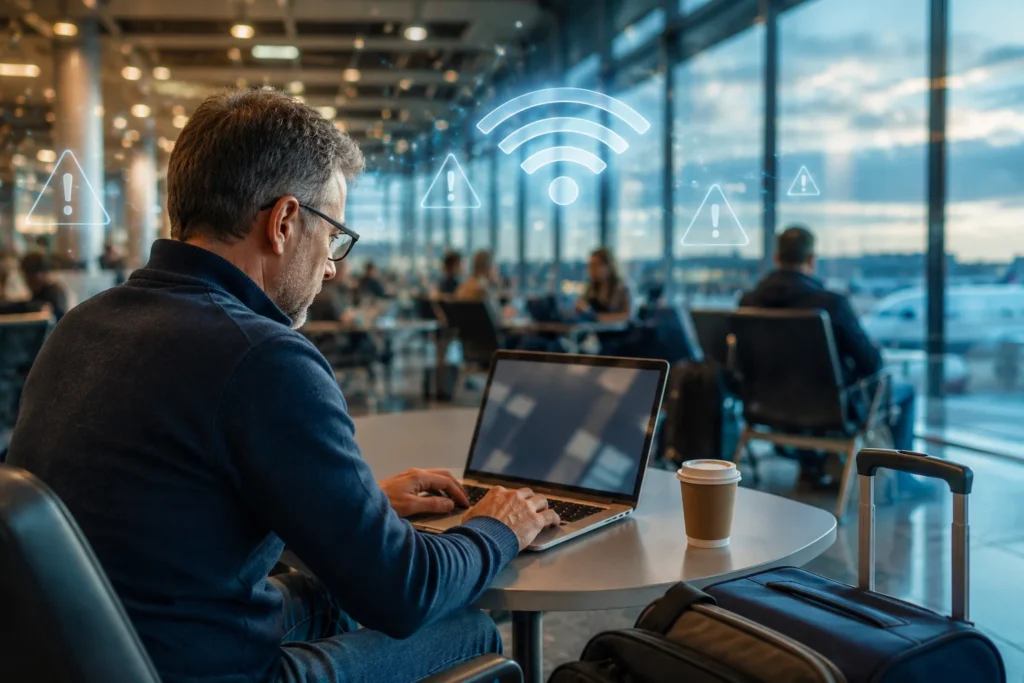
Public Wi-Fi networks are designed for convenience, not maximum security. Many are open networks that allow anyone nearby to connect.
Although most websites now use encrypted connections (HTTPS), cybercriminals may still try various methods to intercept data, trick users into connecting to fake hotspots, or steal login credentials.
Some common risks include:
- Fake Wi-Fi networks that imitate legitimate ones
- Unsecured networks with weak protection
- Malware attacks
- Phishing websites
- Session hijacking
- Device snooping on poorly configured networks
These threats don’t guarantee something bad will happen, but they increase the importance of safe browsing habits.
Understanding Public Wi-Fi Financial Safety
Public Wi-Fi Financial Safety means protecting your financial information while using internet connections that are available to everyone.
It includes protecting:
- Online banking accounts
- Credit and debit card information
- Digital wallets
- Investment accounts
- Shopping accounts
- Tax or retirement portals
- Personal identification information
Good security practices reduce risk whether you’re travelling or simply working away from home.
Where Public Wi-Fi Is Commonly Found
You may encounter free Wi-Fi at:
- Coffee shops
- Restaurants
- Airports
- Hotels
- Libraries
- Shopping centres
- Hospitals
- Universities
- Public parks
- Train stations
Some locations offer well-managed networks, while others may have little security.
Why People Use Public Wi-Fi for Financial Tasks
Many people check financial information while travelling because they need to:
- Pay bills
- Check account balances
- Transfer money
- Shop online
- View retirement accounts
- Access budgeting apps
- Download financial documents
Although convenient, these activities deserve extra protection.
Step-by-Step Guide to Stay Safe
1. Verify the Correct Wi-Fi Network
Before connecting, ask an employee for the exact network name.
Fake hotspots often use names that look almost identical to legitimate ones.
Example:
- CoffeeHouse Free WiFi
- CoffeeHouse_Guest
- CoffeeHouse_Public
A criminal may create:
- CoffeeHouse_Free
- CoffeeHouseGuest
- FreeCoffeeWiFi
Always confirm the official network.
2. Avoid Online Banking on Public Wi-Fi Whenever Possible
The safest option is to wait until you’re on:
- Home Wi-Fi
- Trusted office internet
- Your mobile data connection
If the transaction is not urgent, delaying it is often the smartest choice.
3. Use Your Mobile Hotspot Instead
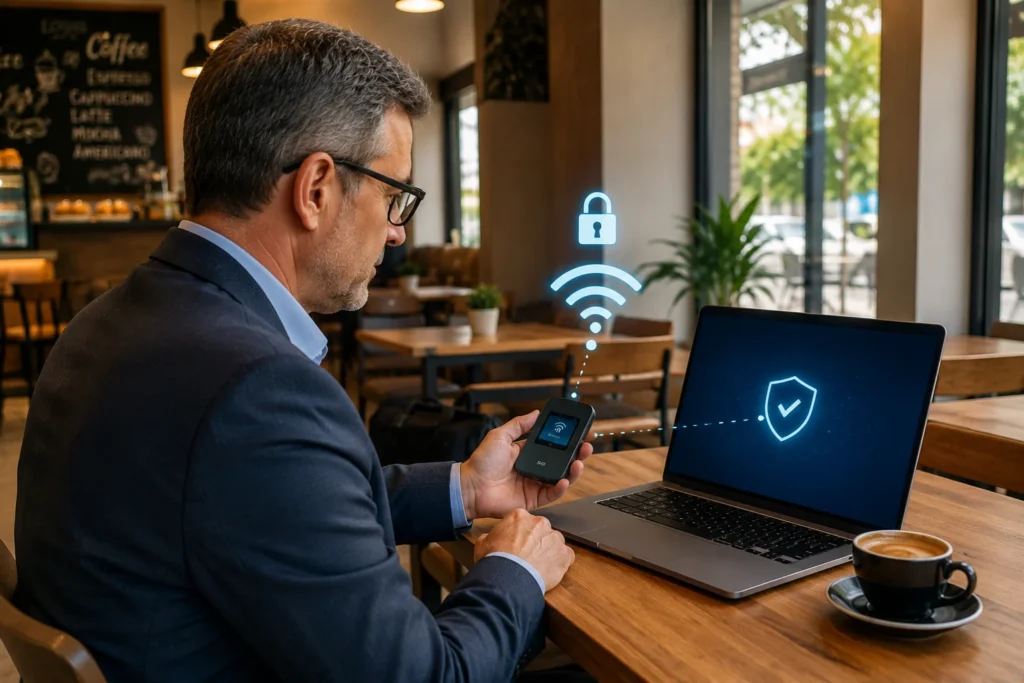
Your phone’s hotspot creates a private connection that’s generally much safer than public Wi-Fi.
Many banks recommend using mobile data for sensitive transactions when away from home.
4. Enable Multi-Factor Authentication (MFA)
Multi-factor authentication adds another layer of protection.
Even if someone learns your password, they may still need:
- A verification code
- Authentication app approval
- Security key
- Fingerprint or facial recognition
Most financial institutions offer MFA in account settings.
Strong passwords and multi-factor authentication work together to protect your accounts. You can also learn how scammers try to steal banking information in our article on How to Recognize a Fake Bank Phone Call.
5. Check for HTTPS
Before entering passwords or payment details, look for:
- HTTPS in the website address
- The padlock icon
These indicate the connection between your browser and the website is encrypted.
Still, HTTPS alone does not guarantee a website is trustworthy, so always verify the web address carefully.
6. Keep Your Device Updated
Software updates often include important security fixes.
Regularly update:
- Operating system
- Browser
- Banking apps
- Antivirus software
Automatic updates make this easier.
7. Use Official Banking Apps
Instead of visiting your bank through a browser, use the official mobile banking app whenever available.
Official apps often include additional security features such as:
- Biometric login
- Fraud detection
- Secure authentication
- Automatic logout
Only download apps from trusted app stores.
8. Turn Off Automatic Wi-Fi Connections
Many devices reconnect automatically to previously used networks.
Disable automatic connection so your phone doesn’t unknowingly join an unsafe hotspot.
9. Log Out After Finishing
After completing any financial activity:
- Sign out of your account
- Close the browser
- Exit the banking app
This reduces the chance of someone accessing an active session.
10. Disable File Sharing
Public networks are not the place for file sharing.
Turn off:
- Network discovery
- Printer sharing
- File sharing
- AirDrop or nearby sharing (when not needed)
This makes your device less visible to others.
Practical Prevention Tips
Developing good habits is one of the best ways to stay secure.
Use Strong Passwords
Create unique passwords for each financial account.
Avoid:
- Birthdays
- Names
- Simple number patterns
Password managers can help generate and store strong passwords.
Lock Your Device
Enable:
- PIN
- Fingerprint
- Face recognition
If your phone or laptop is lost, a screen lock helps protect your information.
Enable Account Alerts
Many banks allow customers to receive alerts for:
- New logins
- Card purchases
- Money transfers
- Password changes
Quick notifications help you spot suspicious activity sooner.
Review Your Accounts Regularly
Check your financial accounts regularly.
Early detection makes it easier to report unexpected activity.
Staying organised is another important part of financial security. Keeping your important paperwork in one place can help you respond more quickly if you notice suspicious account activity. Read our guide on How to Organize Important Financial Documents for Retirement.
A Real-Life Example
Margaret, a retired teacher, was waiting at an airport before a flight. She wanted to transfer money between accounts while connected to the airport’s free Wi-Fi.
Instead of completing the transfer immediately, she switched to her phone’s mobile data. After finishing the transaction, she logged out of her banking app and locked her phone.
This simple decision reduced her exposure to unnecessary security risks without causing much inconvenience.
Do’s and Don’ts
✅ Do
- Use mobile data for banking when possible.
- Verify the correct Wi-Fi network.
- Enable multi-factor authentication.
- Keep devices updated.
- Use official banking apps.
- Check for HTTPS.
- Log out after each session.
- Monitor your accounts regularly.
❌ Don’t
- Save passwords on public computers.
- Connect to unknown Wi-Fi hotspots.
- Share financial information over unsecured networks.
- Ignore software updates.
- Leave banking sessions open.
- Download unknown files while on public Wi-Fi.
Common Mistakes People Make
Many security issues happen because of everyday habits rather than advanced hacking.
Common mistakes include:
Assuming Every Free Wi-Fi Network Is Safe
Just because a network appears in your device list doesn’t mean it’s legitimate.
Ignoring Security Warnings
Browsers sometimes warn about certificate problems or unsafe websites.
Never ignore these alerts.
Reusing the Same Password Everywhere
If one account is compromised, reused passwords make other accounts easier to access.
Staying Logged In
Leaving accounts signed in increases risk if someone gains access to your device.
Using Outdated Software
Old software may contain known vulnerabilities that updates have already fixed.
What to Do If You Think Your Information Was Exposed
If you suspect something unusual happened while using public Wi-Fi:
- Disconnect from the network immediately.
- Change your online banking password using a trusted connection.
- Enable or review multi-factor authentication.
- Check recent account activity.
- Contact your bank if you notice unauthorised transactions.
- Monitor future account statements.
Quick action often helps reduce potential problems.
When to Contact Your Bank or the Relevant Authority
Contact your financial institution promptly if you notice:
- Unexpected transactions
- Login alerts you don’t recognise
- Password reset emails you didn’t request
- Locked accounts without explanation
- Debit or credit card activity you didn’t authorise
Banks usually have fraud support teams that can guide you through the next steps.
If you believe you’ve encountered an online scam or phishing attempt, you can also report it through your country’s official cybercrime or consumer protection resources. For example, readers in the United States can find guidance from the Federal Trade Commission (FTC) on recognising and reporting scams, while the Cybersecurity and Infrastructure Security Agency (CISA) provides practical advice on staying safe online.
Additional Safety Tips for Frequent Travellers
If you often travel for work or leisure:
- Carry a portable power bank so you don’t need to use unfamiliar charging stations while accessing sensitive accounts.
- Avoid using shared public computers for financial tasks.
- Remove old Wi-Fi networks from your device if you no longer use them.
- Consider using a reputable virtual private network (VPN) if you frequently connect to public networks, especially when travelling internationally.
- Keep your contact details up to date with your bank so security alerts reach you quickly.
Frequently Asked Questions
Is it safe to use public Wi-Fi for online banking?
Using public Wi-Fi for online banking is generally less secure than using your home network or mobile data. If possible, wait until you have a trusted connection before accessing financial accounts.
Can someone steal my banking information over public Wi-Fi?
While modern encryption has improved online security, criminals may still attempt phishing, fake hotspots, or other attacks. Following safe browsing practices significantly reduces the risk.
Should I use a VPN on public Wi-Fi?
Many security professionals recommend using a trusted VPN when connecting to public Wi-Fi because it adds an extra layer of privacy. However, it should be used alongside other good security habits rather than replacing them.
Is mobile data safer than public Wi-Fi?
In many situations, a mobile data connection or personal hotspot provides a more secure option for accessing financial accounts than an open public network.
What should I do if I accidentally logged into my bank account on public Wi-Fi?
If you are concerned, sign out of your account, reconnect using a trusted network, change your password if appropriate, review recent transactions, and contact your bank if you notice anything suspicious.
How can older adults stay safer online while travelling?
Older adults can improve security by using official banking apps, enabling multi-factor authentication, keeping devices updated, verifying Wi-Fi network names, and avoiding sensitive financial tasks on shared public networks whenever possible.
Conclusion
Free internet access is convenient, but convenience should never come before security. Practising Public Wi-Fi Financial Safety doesn’t require advanced technical knowledge—just a few smart habits. Verifying network names, using mobile data for sensitive transactions, enabling multi-factor authentication, keeping devices updated, and monitoring your accounts regularly can make a meaningful difference.
Whether you’re checking your retirement account from a hotel or paying a bill while travelling, taking these simple precautions helps protect your financial information. Staying informed and following trusted security recommendations allows you to enjoy the convenience of public Wi-Fi with greater confidence and peace of mind.